


Imagine paying at a shop without opening your camera to scan a QR code. With UPI Tap & Pay, eligible users can initiate digital payments by tapping their NFC-enabled Android phone on a supported merchant payment tag or device..The feature is available through Google Pay for users with compatible phones and active UPI payment methods. However, it does not work at every shop, and users must check whether the merchant supports NFC-based UPI payments.
What Is UPI Tap & Pay?
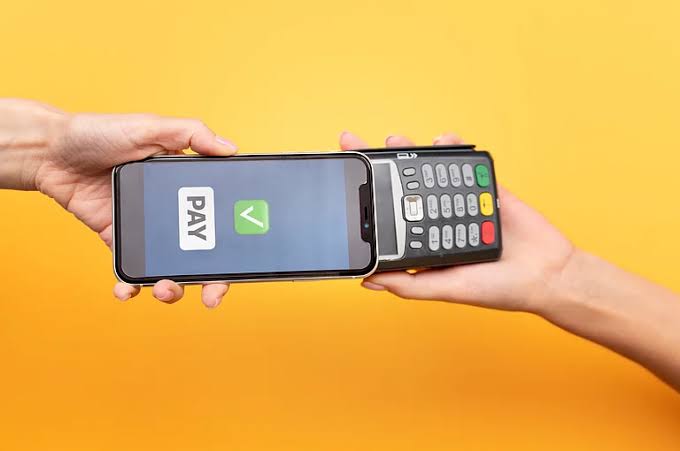
UPI Tap & Pay is a contactless payment option that uses Near Field Communication (NFC) technology. NFC allows compatible devices to exchange information when they are held close together..Unlike a regular UPI payment, where users scan a QR code, Tap & Pay lets them initiate a transaction by bringing their phone close to a supported NFC tag or payment setup. The user then selects the payment method and completes the transaction.
According to Google Pay's official instructions, supported merchant setups include UPI NFC tags, QR-code stickers containing NFC tags and compatible SoundPods with NFC functionality..
How to Use UPI Tap & Pay on Google Pay
Follow these steps to try the feature:-
- Check whether your Android phone supports NFC.
- Turn on NFC in your phone's settings.
- Open Google Pay and select Tap & Pay.
- Make sure the UPI option is selected and enter the payment amount.
- Tap your phone against the merchant's supported NFC payment setup.
- Select an eligible payment method and confirm the transaction.
- Enter your UPI PIN if required, then check the payment confirmation.
The available payment methods may include a linked bank account, UPI Lite, a RuPay credit card or a credit line, depending on eligibility and setup.
Does UPI Tap & Pay Work on Every Phone?
No. Google Pay's UPI Tap & Pay feature requires an NFC-enabled Android phone and an active supported payment method..To check NFC availability, open your phone's Settings and search for “NFC.” If the option is missing, check your phone manufacturer's specifications. If your device does not support NFC, you can continue using regular UPI methods such as QR-code scanning.
Can You Make UPI Tap & Pay Payments Without a PIN?
Yes, in eligible cases. Google Pay states that UPI Lite can be used for Tap & Pay transactions of ₹500 or less without entering a UPI PIN, provided UPI Lite is enabled and has sufficient balance.
For other payment methods, a UPI PIN may be required. The exact process depends on the payment method selected and the transaction conditions. Never share your UPI PIN or OTP with another person..
Is UPI Tap & Pay Safe?
Contactless payments can be convenient, but users should remain careful. Always check the amount and payment details before confirming a transaction. Make sure you are tapping on the merchant's legitimate payment setup, and verify that the transaction is successful before leaving the counter..If a payment fails, check its status in the app before trying again. This can help prevent accidental duplicate payments.
UPI Tap & Pay vs QR-Code Payments
Both options allow users to make digital payments, but the process is different. QR payments require scanning the merchant's code using the phone's camera, while Tap & Pay uses NFC to initiate a transaction through a supported payment setup..Tap & Pay can be useful when the merchant supports it, but QR payments remain a practical alternative for phones without NFC or shops without compatible equipment..